
(Available both Online & Offline)
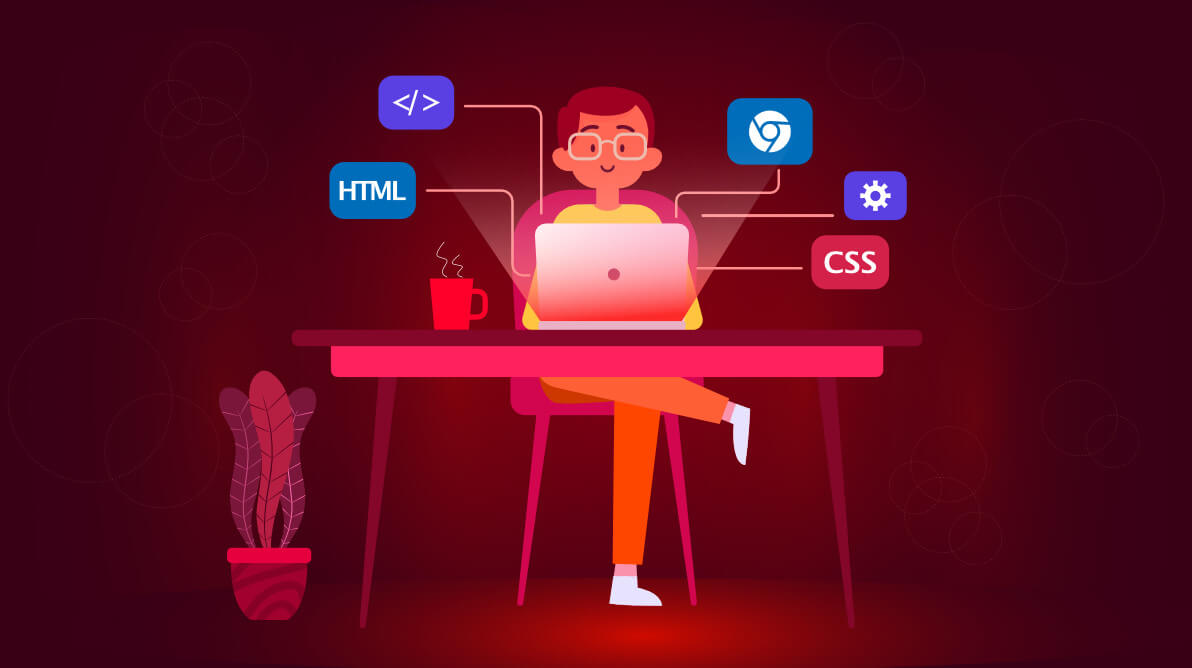
Frontend Development
Front-end development is all about creating the user interface (UI) and user experience (UX) of websites and web applications. As a front-end developer, you will learn how to bring designs to life using HTML, CSS, and JavaScript. By the end of this course, you will be equipped with the essential skills needed to build interactive and responsive websites that work across all devices.
Module 1: HTML
HTML (HyperText Markup Language) is the foundation of every web page. It structures content on the web and gives it meaning.
Core Concepts:
- HTML Structure: Learn the basic structure of an HTML document, including elements like <html>, <head>, and <body>.
- Basic HTML Tags: Understand common tags like headings (<h1>, <h2>), paragraphs (<p>), and text formatting tags (<strong>, <em>).
- HTML Elements:
- Headings: Create content hierarchy using <h1> to <h6>.
- Paragraphs & Text Formatting: Style text with <p>, <b>, <i>, and more.
- Div and Span: Learn how to group elements for styling and layout.
- Links: Use <a> to create hyperlinks that connect web pages.
- Images: Display images with the <img> tag and set attributes like src and alt.
- Tables and Lists: Organize data with <table>, <ul>, <ol>, and <li>.
- Forms: Create interactive forms using <form>, <input>, <textarea>, and <button> tags.
- Block and Inline Elements: Understand the difference between block-level and inline elements and how they impact layout.
- Iframes: Embed external content using the <iframe> tag.
- File Paths and Viewport Meta Tag: Learn how to link to external resources and set the viewport for responsive design.
- HTML Attributes: Learn how to use attributes to control behavior (like src, href, alt, id, class).
- HTML Entities: Handle special characters like &, <, and >.
Module 2: CSS
CSS (Cascading Style Sheets) is used to style and lay out HTML elements. It controls the look and feel of your website, from colors to fonts to complex layouts.
Core Concepts:
- CSS Syntax: Learn the basic syntax, including selectors, properties, and values.
- CSS Selectors: Target elements on the page using ID (#id), class (.class), and element (div, h1) selectors.
- Box Model: Understand the concept of padding, border, margin, and content that affects layout.
- Styling Text and Fonts: Customize fonts, text sizes, line heights, and alignments.
- Backgrounds and Colors: Add background images and colors to elements.
- Layout Techniques:
- Flexbox: Create flexible layouts with Flexbox for aligning elements and distributing space.
- Grid: Use CSS Grid for two-dimensional layouts.
- Positioning: Learn how to position elements using absolute, relative, fixed, and sticky.
- Responsive Design: Use media queries to make websites mobile-friendly, adapting layouts to various screen sizes.
- CSS Transitions and Animations: Create smooth transitions and engaging animations to improve user experience.
Module 3: JavaScript (JS)
JavaScript is the programming language that makes web pages interactive. It allows you to manipulate the DOM, control media, handle user input, and communicate with external servers.
Core Concepts:
- JavaScript Basics: Understand variables (let, const), data types (strings, numbers, arrays, objects), and basic syntax.
- Operators: Learn how to perform operations on variables, such as arithmetic, comparison, and logical operations.
- Control Flow: Master conditional statements (if, else, switch) and loops (for, while, forEach).
- Functions: Learn how to create and call functions, use parameters, and return values.
- Events: Handle user interactions like clicks, mouse movements, and keyboard input using event listeners.
- Objects and Arrays: Work with collections of data and access their properties and methods.
- Error Handling: Use try/catch blocks to manage errors in JavaScript code.
Module 4: DOM Manipulation
The Document Object Model (DOM) represents the structure of a web page in memory. With JavaScript, you can dynamically change the content and structure of a web page.
Core Concepts:
- DOM Basics: Understand the DOM structure and how JavaScript interacts with it.
- Selecting Elements: Learn how to access elements using methods like document.getElementById, document.querySelector.
- Modifying Content: Change the text and HTML of elements using .innerHTML and .textContent.
- Styling with JavaScript: Modify CSS styles dynamically using .style property.
- Event Listeners: Attach event listeners to elements to respond to user actions (e.g., click, submit).
- Creating and Removing Elements: Dynamically add or remove elements with createElement and removeChild.
- Form Handling: Manipulate form elements, validate inputs, and submit forms via JavaScript.